 Zachary D. Perl






Categories
- AI
- Digital Marketing


Your CRM is probably very good at proving what went wrong yesterday. The lead came in. Nobody answered. The form sat untouched. The chat transcript lived in another tool. Then someone updated the record three days later and called it pipeline hygiene.
That is not a system.
It is a diary.
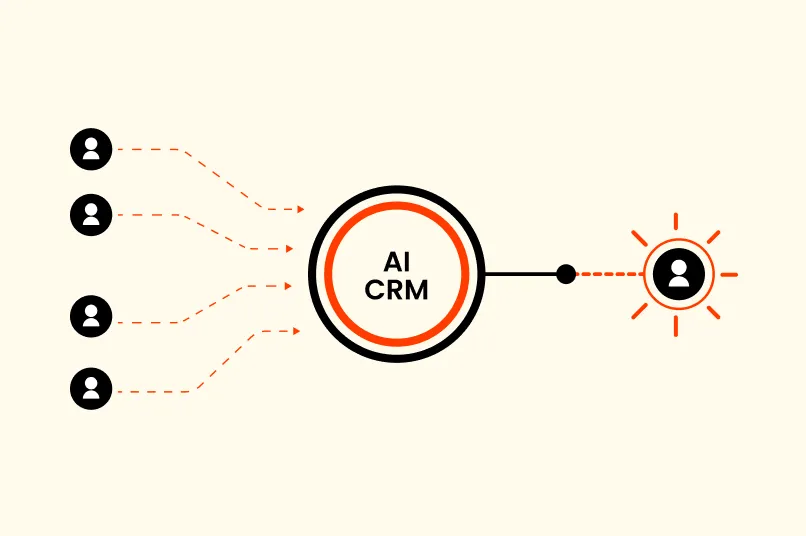
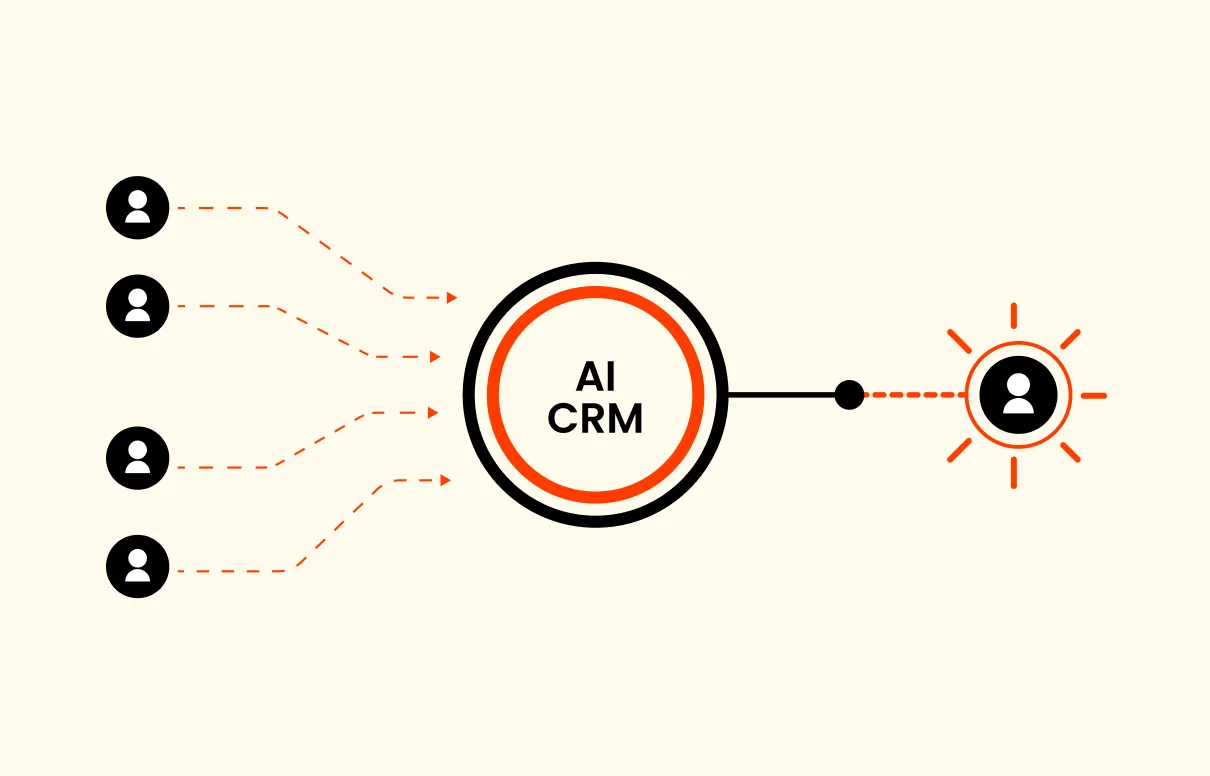
The real value of AI CRM is not that it gives you a prettier dashboard. It is that it catches the conversation while your buyer still cares, turns that conversation into usable data, and pushes the next action to the right person.
Most teams get this backward. They buy reporting first. Then they wonder why the same slow follow-up problem appears every month.
In our view, your system should start earlier.
What this category actually means
An AI CRM is a customer relationship system that uses artificial intelligence to capture, summarize, qualify, route, and follow up on your customer conversations.
That sounds simple. For your team, it is not.
A traditional CRM usually waits for a human to enter clean information. Someone has to answer the call, copy the notes, pick the status, assign the owner, and remember the follow-up. If any part of that chain breaks, your data model gets worse and your lead gets colder.
This changes the starting point. AI CRM can listen to the first conversation, extract intent from natural language, create or update the record, suggest the next action, and notify the right person.
That is the shift.
You are moving from customer database to response layer. In our experience, that is the part most small teams actually need. They do not have a reporting problem first. They have a capture and handoff problem.
There is also a difference between a real response system and a CRM with AI features. A CRM with AI may help you write emails or summarize notes. Useful. But an AI-first system should also ask whether your lead was captured, whether the next step is clear, and whether your team knows what to do now.
That is the better test for ai crm software.
That distinction matters because software demos love dashboards. Buyers do not care about your dashboard. They care about getting an answer.
The real problem happens before the CRM
Most missed revenue does not begin inside the CRM. It begins before your record exists.
A customer calls after hours. A website visitor asks a buying question. A quote request comes in during a busy service window. A lead replies to an old text thread. Your team plans to follow up later.
Later is expensive.
The classic Harvard Business Review analysis on online sales leads found that companies responding within an hour were far more likely to qualify leads than slower companies. The study is old, but the operator truth still holds. Intent decays fast.
And the problem is worse for small teams. The owner is selling, scheduling, hiring, approving invoices, and handling customer issues. The front desk is answering live calls while a second caller waits. Marketing is driving demand that operations cannot catch.
That is where your CRM starts lying to you.
It shows the leads you entered. It does not show the ones you missed. If you want the full picture, you need your call handling, chat, SMS, and routing connected before the record gets cleaned up for reporting.
This is why missed call text back is not a side feature. It is one of the first speed-to-lead fixes a business should consider. If the call is missed, the system still has to respond.
The first workflows to automate
You do not need to automate your whole business on day one. Please do not.
Start where the money leaks.
Capture every conversation
The first job is simple: stop losing inbound demand.
Calls, texts, forms, and web chats should feed one customer record or one clear handoff path. If your team has to check five inboxes to know whether a buyer reached out, you do not have a growth system. You have scavenger hunt software.
This is where AI reception and chat help. A caller can be greeted. A website visitor can be asked what they need. A text reply can be captured instead of buried in someone else's phone.
You are not trying to make the AI sound clever. You are trying to make sure the business answers.
Qualify before routing
The second job is context. This is where light lead scoring can help your sales teams without turning the first conversation into an interrogation.
Not every lead needs the same next step. A current customer with an urgent issue is different from a new buyer asking about pricing.
Your system should collect the basics before it routes the lead: name, contact information, need, urgency, location if relevant, and preferred next step. For many service businesses, that is enough to decide whether the next move is a booking link, an owner alert, or a human callback.
Keep it tight.
Long qualification flows kill your momentum. In our work, the best first-response systems ask only what your team needs to act.
Route the next action
Routing is where many automations get weird.
They create a record, send a generic email, and call the job done. But your team still has to figure out who owns the next step.
The system should make ownership obvious. If your lead needs a quote, send it to sales. If the message is support, send it to service. If the contact is high value or upset, flag a human now.
The important part is not automation for its own sake. It is removing the pause between your buyer's intent and clear ownership.
Log the context
Your bad CRM data usually comes from busy people doing admin work after the moment has passed.
They forget details. They summarize too much. They enter the wrong status because the dropdown is annoying. Then leadership reads the report and treats bad data like truth.
AI can help by turning your conversations into structured data. A call summary, source, requested service, urgency, and next step can be logged while the details are fresh.
But do not let the system invent certainty. If the AI is unsure, the record should say that. Clean data beats confident fiction every time.
Follow up while the lead still remembers you
Follow-up does not have to be dramatic.
A fast text confirming the request can calm a buyer down. A short message with the next step can keep the conversation open. A booking link can turn intent into an appointment before the buyer calls someone else.
The point is speed with judgment.
For Iris, this is the reason AI receptionist, AI web chat, and AI SMS belong in the same conversation. The channel may change, but the job is the same: catch the lead, understand the need, and keep the next step moving.
Where AI helps, and where it should stay out
AI is good at repeatable first-response work. It can answer common questions, summarize conversations, classify intent, create tasks, draft replies, and alert the right person.
That is real help.
According to Salesforce, a survey of 3,350 SMB leaders found that 91% of SMBs using AI say it boosts revenue. That does not mean every AI tool is good. It means small businesses are already finding value when AI removes real operational drag.
But AI should not own every customer moment.
Pricing exceptions need judgment. Emotional complaints need care. Complex sales calls need a person who can read the room. Legal, medical, financial, and policy-sensitive issues need clear human review.
You need rules for handoff before you need more automation. That is especially true when customer service and sales share the same inbox.
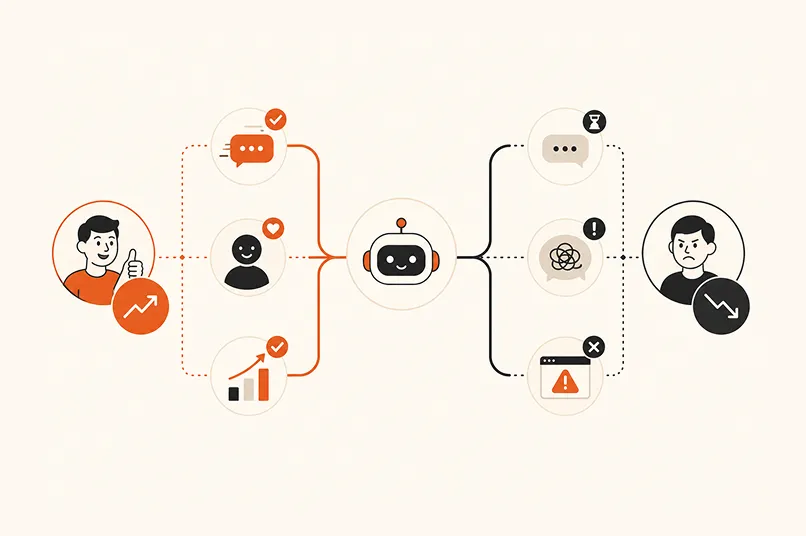
The safest model is not human versus AI. It is AI for speed, humans for judgment. In our client work, this is the line we come back to again and again because it keeps the system useful without making it reckless.
Judge software by workflow fit
Feature lists are where buying decisions go to die.
Every vendor can say they have summaries, scoring, email help, automations, and analytics. That does not mean the tool fits your business.
Ask better questions.
Can it capture the channels your buyers actually use? Can it handle calls, chats, and texts? Can it pass context to your current CRM if you already have one? Can your team see why a lead was routed a certain way?
And one more: what happens when the data is messy?
Messy data is normal. Duplicate contacts, half-filled forms, old phone numbers, shared inboxes, vague lead sources, and forgotten notes are Tuesday.
Good software should help your team clean and structure the mess. It should not pretend the mess does not exist.
This is also where the phrase CRM with AI can become misleading. If the AI only sits on top of already-clean records, it may help a mature sales team. But if your real issue is missed conversations, slow follow-up, and scattered context, you need the system closer to your front door. That is the AI native CRM argument in plain English.
How Iris fits into the AI CRM path
Iris is dotfun's growth automation product line. Today, that means practical first-response workflows for your calls, chats, texts, lead capture, qualification, routing, booking support, and logging-oriented handoff.
So yes, Iris can answer calls. But the better way to think about Iris is this: it is the first layer of your customer record. A lead calls, chats, or texts. Iris responds, collects context, identifies the next step, and helps your team act before the moment goes cold.
If you are still comparing this only to a phone service, you are looking too narrowly. An AI answering service handles the call. An AI receptionist for small business captures the need. AI web chat catches the visitor who does not call. AI SMS keeps it alive.
Together, those pieces start to look like a growth automation layer.
That does not mean Iris should be described as a mature enterprise CRM today. It should not. The current value is first response, qualification, and handoff. The product direction is broader: customer management that begins with conversations instead of forms.
That is the honest path.
The simple implementation sequence
Do not start with the tool.
Start with the audit. List every place a customer can raise a hand: phone, website chat, form, email, social inbox, text, booking page, referral partner, and repeat-customer thread.
Then mark the weak spots. Where do leads wait? Where do they get lost? Where does your team answer quickly but fail to log context? Where does a customer need a person, not a bot?
Once you know that, define your minimum record. Most teams need fewer fields than they think: contact information, source, need, urgency, owner, next step, and status. If your first version has thirty required fields, people will work around it.
Then write handoff rules. A new buyer gets one path. A current customer gets another. An urgent issue gets a human alert. A low-fit request gets a polite response.
Finally, measure the few numbers that show whether your system is working: time to first response, missed-call recovery, booked appointments, qualified lead rate, and owner follow-through. McKinsey's State of AI research keeps pointing to a broad pattern we agree with: AI value comes from changing workflows, not sprinkling tools on top of broken ones.
That is the boring answer. It is also the one that works.
The best CRM is not the one with the prettiest dashboard. It is the one that helps your team respond while the buyer still cares.
Frequently asked questions
What is this kind of CRM?
An AI CRM is a customer relationship system that uses artificial intelligence to capture conversations, structure customer data, recommend next steps, and automate parts of follow-up. The useful version does not just summarize existing records. It helps your team respond faster when your buyer calls, chats, texts, or fills out a form.
How is this different from traditional CRM?
Traditional CRM depends on humans to enter data, update records, assign owners, and remember follow-up. AI can assist earlier in the process by capturing intent, summarizing conversations, routing leads, and creating tasks. You still need human judgment, but your team spends less time cleaning up after missed handoffs.
Can this improve speed-to-lead?
Yes, if it is connected to the channels where your leads first appear. The value comes from answering faster, collecting the right context, and pushing the next action to a person or workflow. If the AI only analyzes records after the lead is already cold, it will not fix speed-to-lead.
What should small businesses automate first?
Start with your inbound capture and follow-up. Calls, web chats, missed-call texts, booking requests, and basic qualification usually create the fastest operational gain. Once those are working, you can add routing rules, CRM logging, owner alerts, and reporting. Do your front door first.
Does AI CRM replace your sales team?
No. It should remove repetitive first-response work so your team can focus on judgment-heavy conversations. AI can collect information, summarize needs, and keep the next step moving. Your people should still own complex sales calls, sensitive customer issues, pricing decisions, and relationship moments.